
Most of a Kenyan business website's load time is decided before anyone looks at the design: where the server sits, how heavy the images are, and how much JavaScript ships to a phone that did not ask for it. Visitors on a slow page do not wait. They go back to the search results and tap the next one.
The six fixes below are where that time goes, in the order we check them when CloudSpinx builds and tunes websites for businesses in Kenya and across East Africa, each with its configuration.
Why Speed Matters More in Kenya
A slow website in Germany is annoying. In Kenya it also costs your visitor money.
On a prepaid data bundle, an 8 MB homepage stuffed with uncompressed images and three JavaScript frameworks spends the visitor's bundle on your slowness. Just over half of page views in Kenya come from phones, by StatCounter's country figures, and a phone on mobile data is exactly where a heavy page hurts most. Many visitors will close the tab and find a lighter competitor.
Problem 1: Your Server Is in Virginia
This is the speed killer most business owners never hear about.
When a visitor in Nairobi opens your site, every request crosses the distance to your server and back, and a page needs several round trips (DNS, the connection, the TLS handshake, then the HTML) before the first byte of content arrives. If the server sits in a US data center such as AWS us-east-1, each of those trips crosses an ocean. Move the origin to South Africa (AWS af-south-1 in Cape Town, or Azure South Africa North in Johannesburg) and the trips get shorter. Serve the static files from a CDN with a presence in Kenya and most of them barely leave the country.
Fix: put Cloudflare in front of the site. Its free plan is enough for most SME websites, and Cloudflare runs data centers in Nairobi and Mombasa, so images, CSS and JavaScript load from a server near your visitors. Our hosting team sets this up as standard on every site we manage, and for a cloud infrastructure build aimed at Kenyan users we put the origin in South Africa, not the US.
Problem 2: Your Images Are Enormous
This is the quickest win, every time.
Hero images saved straight from a camera, product photos at full resolution, backgrounds exported as PNG when WebP would carry the same picture in a fraction of the bytes.
Fix for existing images:
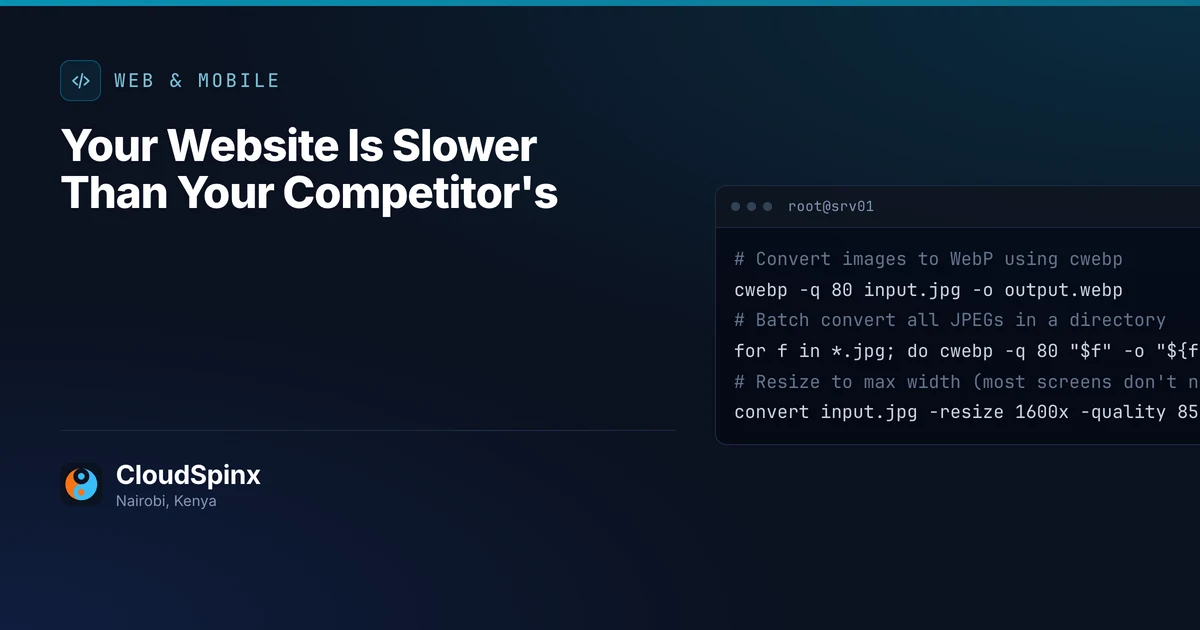
# Convert images to WebP using cwebp
cwebp -q 80 input.jpg -o output.webp

# Batch convert all JPEGs in a directory
for f in *.jpg; do cwebp -q 80 "$f" -o "${f%.jpg}.webp"; done

# Resize to max width with ImageMagick (most screens don't need 4000px wide images)
convert input.jpg -resize 1600x -quality 85 output.jpg
Fix in your HTML:
<!-- the hero: load it now, and first -->
<picture>
  <source srcset="/images/hero.webp" type="image/webp">
  <img src="/images/hero.jpg" alt="Description" width="1600" height="900" fetchpriority="high">
</picture>

<!-- everything below the fold -->
<img src="/images/team.webp" alt="Description" loading="lazy" width="800" height="600">
loading="lazy" is free performance for images below the fold, which do not download until the visitor scrolls toward them. Do not put it on the hero. Google's own guidance is to eager-load anything in the first viewport, and a lazy hero makes Largest Contentful Paint worse, the opposite of what was intended. Always set width and height so the browser reserves the space.
Problem 3: Font Loading Gone Wrong
Google Fonts is wonderful until a theme loads six weights of Inter plus three of a display font. Every weight is another file and another request standing between the visitor and readable text.
Fix: two weights, regular and bold, cover almost every business site.
<link rel="preconnect" href="https://fonts.googleapis.com">
<link rel="preconnect" href="https://fonts.gstatic.com" crossorigin>
<link href="https://fonts.googleapis.com/css2?family=Inter:wght@400;700&display=swap" rel="stylesheet">
The display=swap part is critical. Without it the page shows invisible text until the font arrives. With it, the browser shows a system font immediately and swaps the custom one in when it lands. Better still, self-host the two font files and reference them from your own CSS. That removes the extra DNS lookup and connection to Google's servers entirely.
Problem 4: JavaScript Bloat
The WordPress theme with dozens of plugins. The React single-page app that ships its whole bundle before showing a company profile. The analytics scripts, chat widgets and social embeds, each with its own payload, and sometimes the same library loaded twice because two plugins each bundled a copy.
Fix: measure it first. In Chrome DevTools, open the Command Menu (Ctrl+Shift+P), run Show Coverage, and reload the page. The Coverage panel lists every script with its Unused Bytes, which is JavaScript your visitor paid to download and the page never ran.
For WordPress specifically:
- Remove plugins you are not actively using. Deleted, not just deactivated.
- Replace heavy plugins with lighter ones; a slider plugin is rarely worth its weight when CSS can do the job.
- Use a caching plugin such as WP Super Cache or W3 Total Cache, or WP Rocket if you would rather pay for a license than tune one.
For custom-built sites, ask your web development team about code splitting and lazy-loading JavaScript modules.
Problem 5: No Caching Headers
A returning visitor should not download your logo again. Without caching headers, the browser has no way to know it may keep it.
Nginx caching configuration:
location ~* \.(jpg|jpeg|webp|png|gif|ico|css|js|woff2)$ {
    expires 1y;
    add_header Cache-Control "public, immutable";
    add_header Vary "Accept-Encoding";
}

location ~* \.html$ {
    expires 1h;
    add_header Cache-Control "public, must-revalidate";
}
Static assets get cached for a year and HTML for an hour. That year-long immutable rule is only safe when asset filenames change on every release (app.3f9c1.js, or a version query string). If you overwrite style.css in place, returning visitors keep the old one. On Cloudflare, much of this is handled at the edge, but correct origin headers still let it cache more and revalidate less.
Problem 6: No Compression
Your server should gzip, or better, Brotli-compress, every text response: HTML, CSS, JavaScript, JSON and SVG. Text compresses extremely well, and there is no reason to send it uncompressed.
Nginx gzip configuration:
gzip on;
gzip_vary on;
gzip_min_length 1024;
gzip_types text/plain text/css application/json application/javascript text/xml application/xml text/javascript image/svg+xml;
Do not add images to gzip_types. JPEG, PNG and WebP are already compressed, and gzipping them burns CPU for nothing.
Core Web Vitals: What Google Actually Measures
Google judges page experience on three metrics, and its published thresholds are the targets to hit at the 75th percentile of your real visitors, phone and desktop counted separately.
Largest Contentful Paint (LCP) is how long until the main content is visible, usually the hero image or the main heading. Good is within 2.5 seconds. Problems 1 and 2 decide most of it.
Interaction to Next Paint (INP), which replaced First Input Delay, is how long the page takes to respond when someone taps or clicks. Good is 200 milliseconds or less. Heavy JavaScript is the usual culprit, so Problem 4 is where you fix it.
Cumulative Layout Shift (CLS) is how much the page jumps around while loading, the moment you go to tap a link and hit an ad instead. Good is 0.1 or less. Explicit image dimensions and reserved space for embeds fix most of it.
Check your scores at PageSpeed Insights and WebPageTest, and test from a location close to your visitors, not from Virginia. A site that feels fast on a laptop on office fiber can still fail on a mid-range phone on mobile data, and that phone is where half your visitors are.
Optimize First, Rebuild Only If You Must
Optimization makes sense when the content and design are sound and the implementation is slow. Most WordPress sites are in that position: the content is valuable, the structure is fine, and the six fixes above recover most of the speed.
Rebuild when:
- The site runs dozens of plugins and nobody can say what half of them do
- The theme is an abandoned template that no longer gets updates
- The site is not mobile-responsive at all
- The business has changed and the site's structure no longer fits it
If you are rebuilding a brochure site, a static site generator such as Astro, or even plain HTML, served from Cloudflare's edge is very hard to make slow. Our web development team builds on that kind of stack.
Start with the six fixes, measure again, and only then decide whether the site needs replacing. Not sure where your site stands? Send your URL to hello@cloudspinx.co.ke for a free consultation and we will run the numbers with you.
Download: Website Speed Optimization in Kenya: Six Fixes That Matter
Enter your work email. We'll send the PDF download link to your inbox.